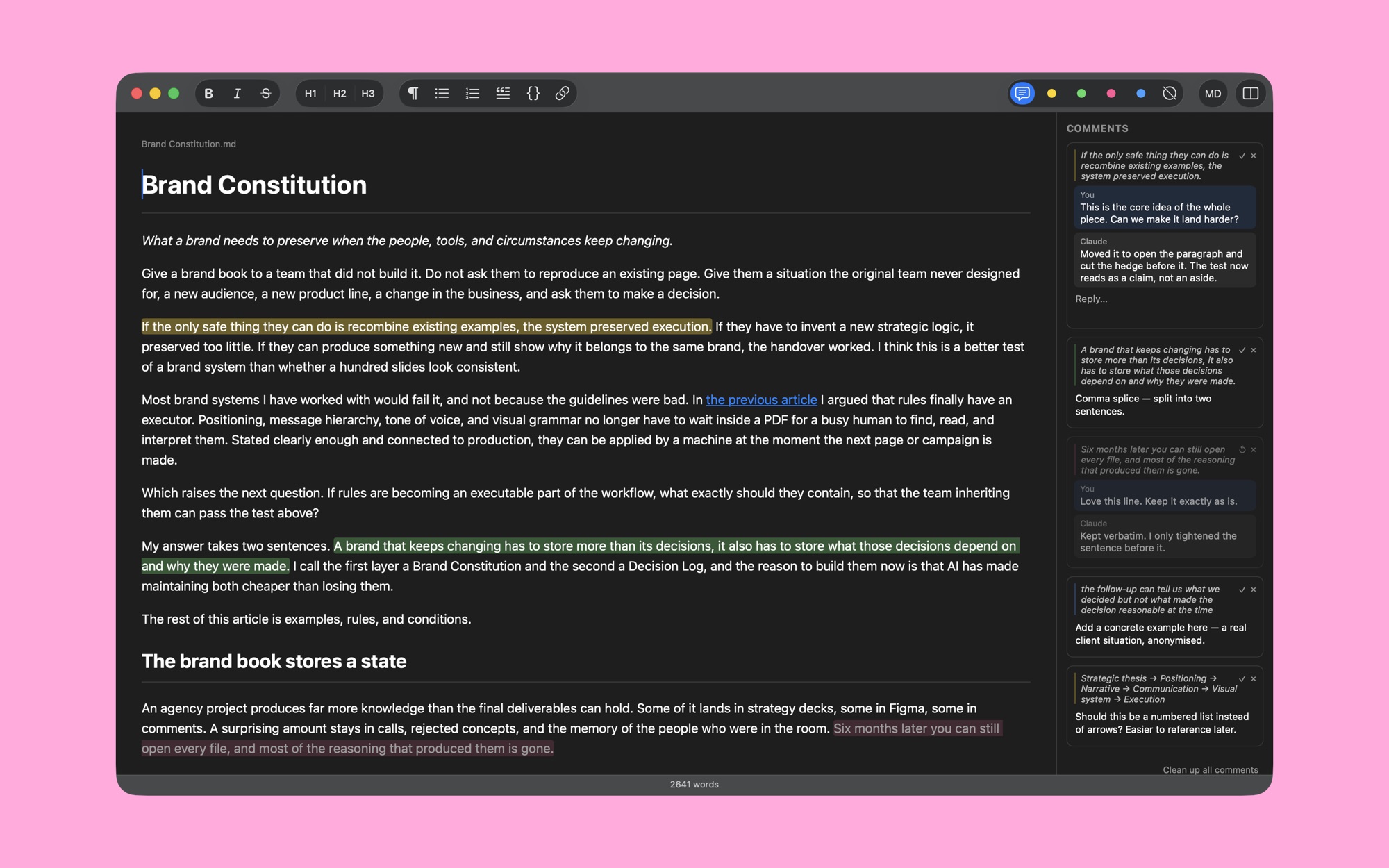
Claude Code, Codex, Cursor and the rest produce Markdown all day: drafts, plans, notes, reports. Reading them as raw text is tiring, and sending feedback back to the agent means copying paragraphs into a chat.
Markdown Mini closes that loop. Open the file, read it as a clean page, mark up what you want changed, save. Your comments are now part of the file, and the agent sees them on its next pass.
Read it as a document#
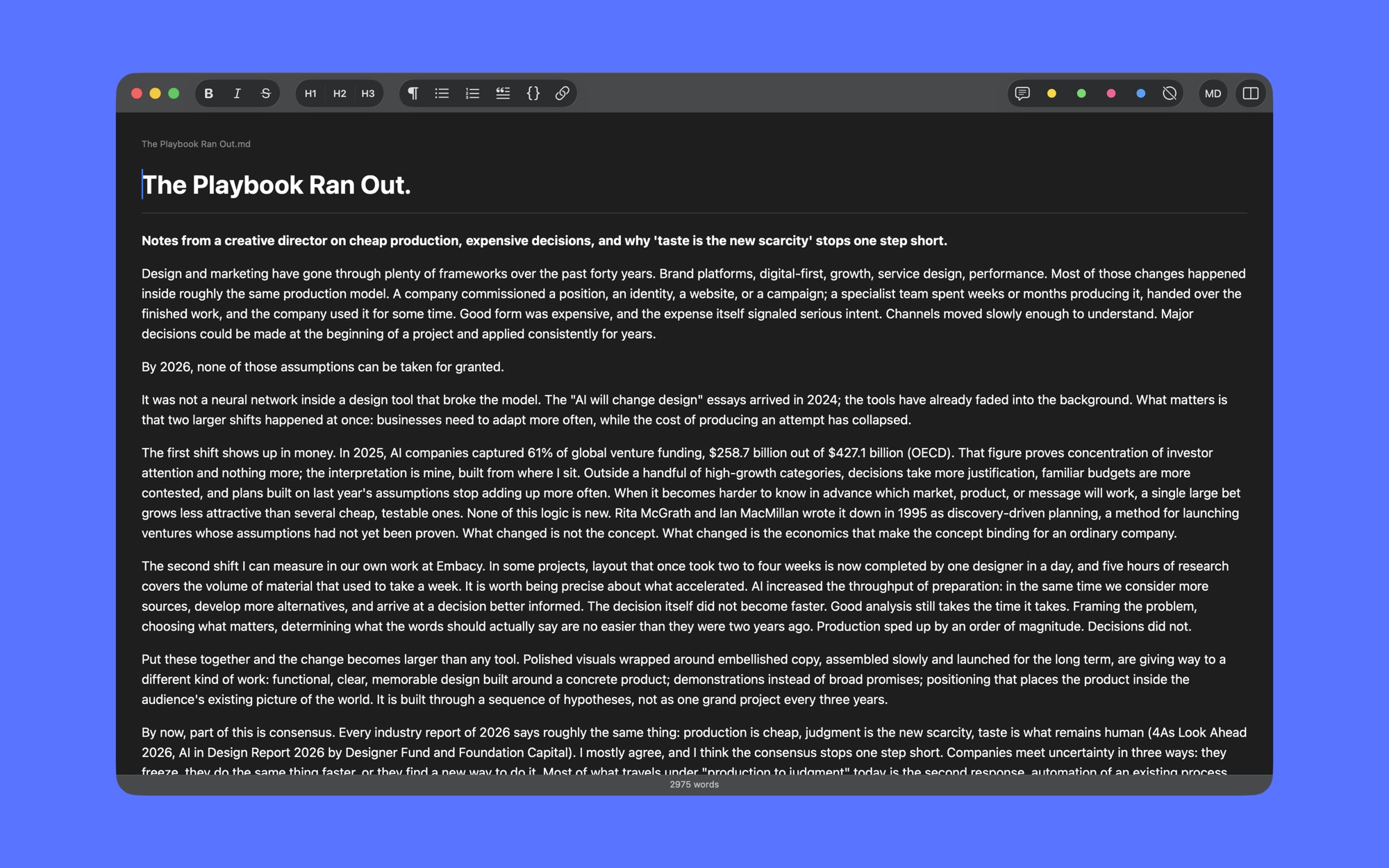
Headings, lists, quotes, code and links render as you type. There is no preview pane and no split between source and result. When you do want the raw Markdown, one click switches to it and back.
Comments live in the file#
Select a passage and pick one of four marker colours. Every highlight opens a thread: write a note, get a reply, resolve it when it is done.
Highlights and threads are stored inside the .md file as plain HTML marks. Nothing is hidden in a database. Any agent that edits the file can read your notes, answer in the same thread and keep the marks in place. When you need a clean copy, Save Without Comments strips them all.
Two documents side by side#
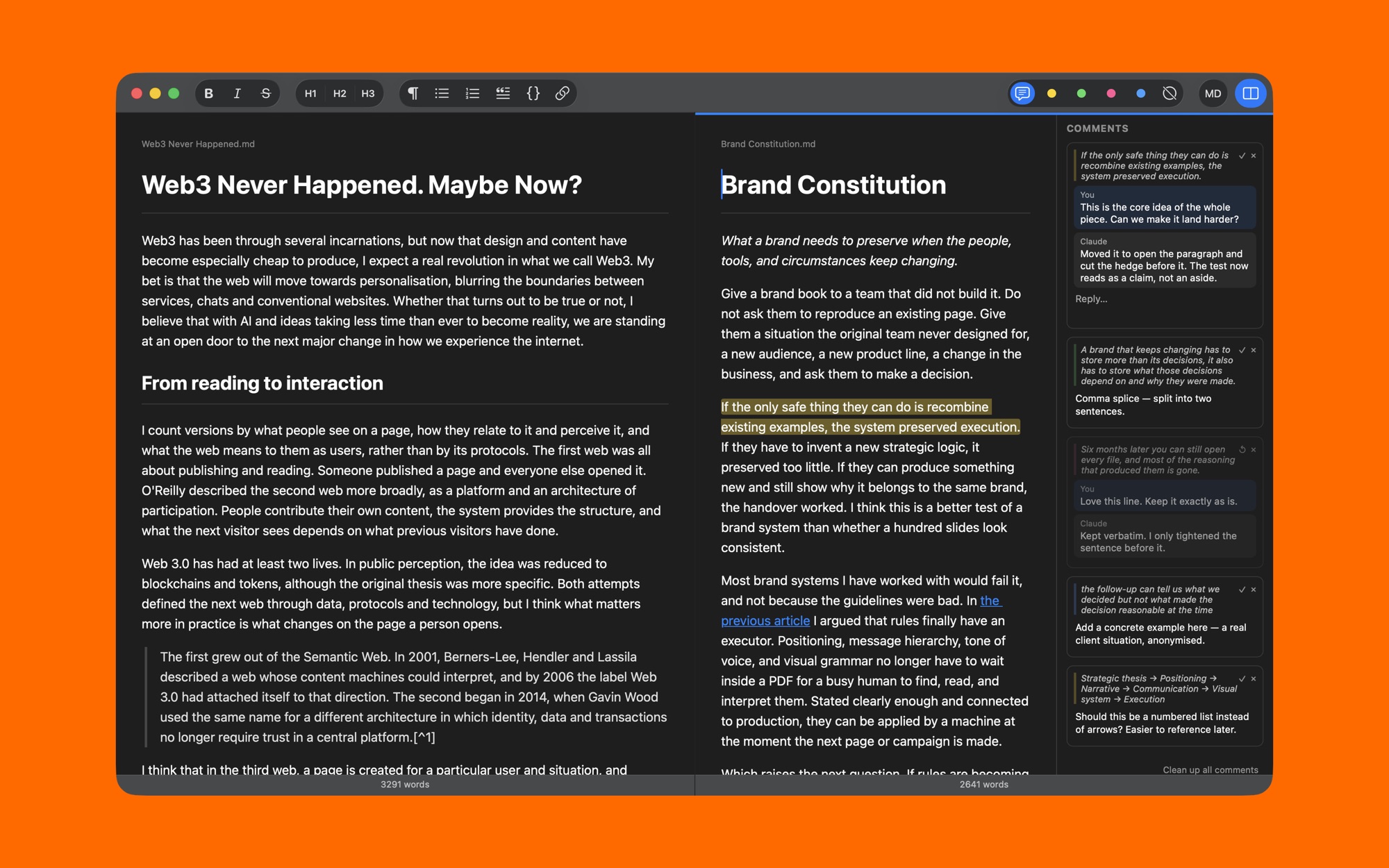
Open a second file next to the first: a draft and its previous version, an article and its outline, two answers to the same question. Each pane has its own file, word count and comment panel.
Stays in sync#
When an agent rewrites the file on disk, the editor reloads it. Unsaved edits of your own are never overwritten.
Small by design#
Native macOS controls. Opens .md, .markdown and .txt from Finder, remembers recent files, works offline. No account, no sync service, no telemetry. Your files never leave your Mac.
Read the privacy policy, or write to support@eliseys.com with questions and feedback.